Click to enlarge
Do you know everything that goes into browsing to a web page? It’s amazingly complex with all the different pieces involved – hardware, software, operating system, network connections, wire and wireless infrastructure and transmission protocols – the list goes on.
This document on GitHub is a collaborative attempt at documenting the entire process. It’s really technical, and really interesting. And its currently being updated by many contributors.
When developing websites, Web Services has to consider the vast majority of this process. It affects speed and accessibility of the browsing experience. But the main web development components don’t even kick in until the bottom part of the process when you get to the web server and the HTML processing. And this document is just sketching out the process, hopefully it gets filled in with deeper detail.
Read the whole thing on GitHub and check back as its continually updated to be more and more complete.

Click to enlarge
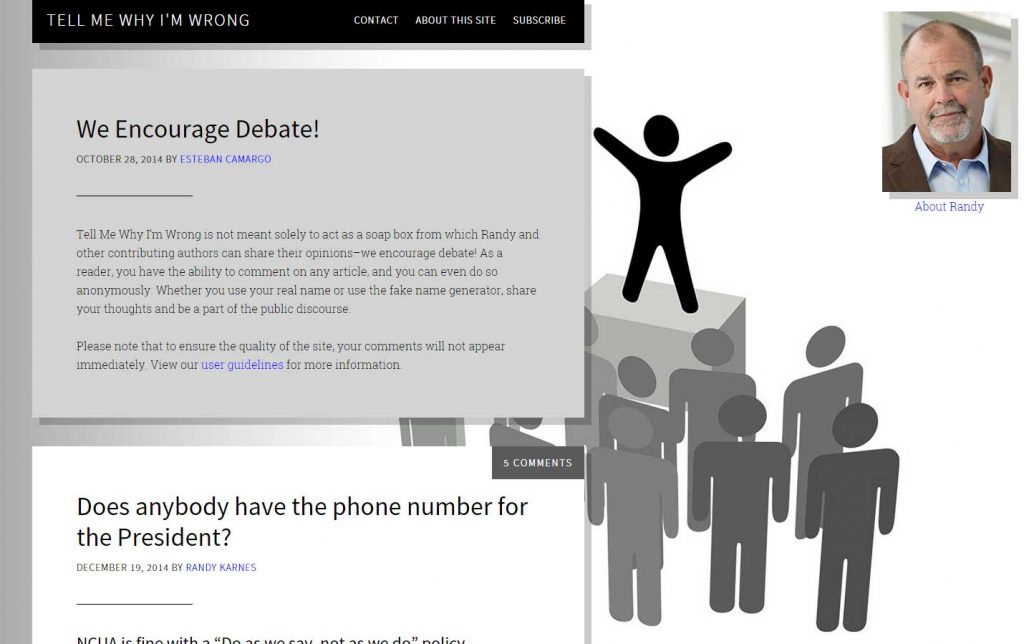
Late last year, CU*Answers Web Services launched tellmewhyimwrong.com. This website is a blog where Randy Karnes, CU*Answers CEO, shares his opinions on matters related to the credit union industry and encourages readers to respond with their own thoughts on the topic, or to tell Karnes why they disagree. The website features a popup disclaimer, a random name generator (should the poster want to remain anonymous), and discussions about Credit Unions.
Check out tellmewhyimwrong.com and tell Randy Karnes why he’s wrong!

Click to enlarge
On Tuesday morning, January 20, from 12-8 AM ET, we will be performing internal network maintenance. During this time, there may be brief network interruptions to the following services:
- CU*Talk audio response and our phone system
- It’s Me 247 online banking (including mobile web)
- CU*CheckViewer check images
- eDOC applications
- Hosted web/mail sites and cuanswers.com
- AnswerBook
- CU*Spy
- RAS/VPN/remote access

Click to enlarge
Congratulations to Family First Federal Credit Union on the launch of their new site design. The new design utilizes WordPress with Site Control and includes responsive support for mobile devices. Check out the Web Services custom website design today at http://familyfirstfcu.org/.

Click to enlarge
Codenamed Spartan, Microsoft’s new web browser will supposedly launch with Windows 10, according to ZDNet. This new web browser is not Internet Explorer 12, but rather a new browser that will be similar to modern browsers (Mozilla Firefox and Google Chrome).
The new browser will still utilize Microsoft’s previous web technologies. This new browser does not mean the end of Internet Explorer, however. IE 11 is reported to still come with Windows 10 for backwards compatibility reasons.
CU*Answers Web Services will continue to uphold Web Standards and compatibility with new Web technologies. We closely track the last 3 major revisions of Web Browsers for compatibility, and we look forward to testing Spartan. As always, it’s important to keep your web browser updated for compatibility and security reasons.
Learn more about Spartan

Click to enlarge
Congratulations to ATL Federal Credit Union on the launch of their new site design. The new design utilizes WordPress with Site Control and includes responsive support for mobile devices, CO-OP ATM Locator, Pay Junction, and site search. Check out the new site design today at http://www.atlcu.com/.